Get the next teardown in your inbox.

One email when a new teardown is out. Free, one click to leave.

We'll email you a link to confirm. No account, no password.

Teardown 14 · ExcaliClaw, diagrams your agent drawsTrust 50%

Teardown 14

ExcaliClaw

“Draw with you” that draws alone

What Ayush said · teardown

“Hand-drawn diagrams your AI agents draw for you.”

10 screens · about 3 min

start ▶

I need a diagram, and someone to draw it with.

Teardown 14 · ExcaliClaw, diagrams your agent drawsTrust 50%55%
{TAP}

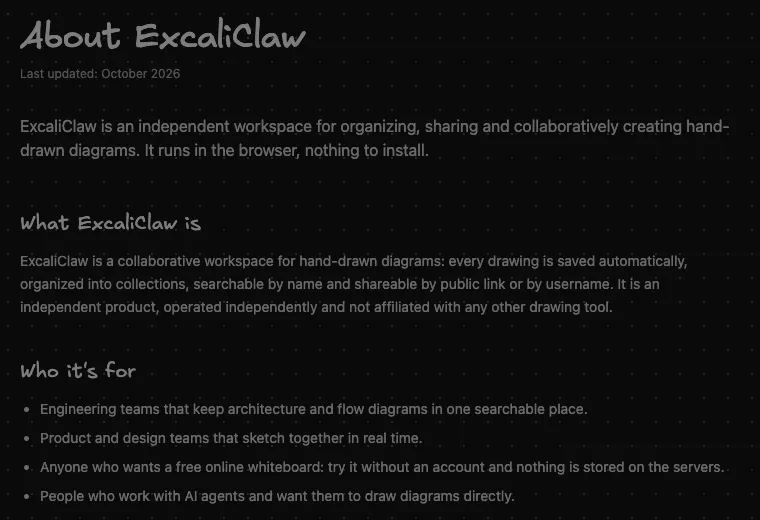
Fig. 1: The real home page: hand-drawn diagrams, and agents that draw.

An agent that draws

An agent that draws for me. Okay.

What Ayush said · walkthrough

“It helps you make hand-drawn diagrams that your AI agents can draw for you.”
Teardown 14 · ExcaliClaw, diagrams your agent drawsTrust 55%65%
{WAIT}

Fig. 2: Connected over MCP: I ask, and boxes appear.

It drew itself

I asked, and the box drew itself. Wow.

What Ayush said · walkthrough

“It is a place where you can connect your Claude Code or other AI agents, through an MCP.”

Teardown 14 · ExcaliClaw, diagrams your agent drawsTrust 65%50%
{TAP}

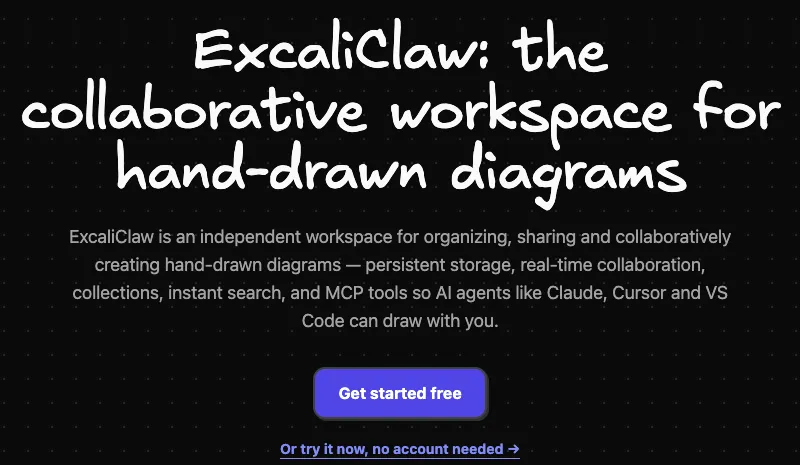
Fig. 3: The site's own answer: four audiences at once.

Who is this for?

Who is this actually for?

What Ayush said · walkthrough

“The way it has been implemented is a bit confusing about who the customer using this kind of platform will be.”
Teardown 14 · ExcaliClaw, diagrams your agent drawsTrust 50%40%
{TAP}

Fig. 4: Live cursors on the canvas, and both are agents.

Collaborating with bots

Collaborating with whom? Other bots?

What Ayush said · walkthrough

“There aren't multiple users collaborating, but agents collaborating on the drawn space itself.”

Teardown 14 · ExcaliClaw, diagrams your agent drawsTrust 40%20%
{TAP}

Fig. 5: I type, the agent draws. My pen never moves.

I just give orders

I don't draw with it. I just order.

What Ayush said · walkthrough

“You connect your MCP and tell Claude itself what it needs to do, and it creates the diagram or draws on the canvas.”

Teardown 14 · ExcaliClaw, diagrams your agent drawsTrust 20%25%

Fig. 6: A blank canvas, and the only tip is how to scroll.

Stuck, no help

I'm stuck. It can't help me start.

What Ayush said · walkthrough

“Their perspective is more that of a creative block: what to draw, or they get stuck, or they need feedback on their own diagrams.”

Teardown 14 · ExcaliClaw, diagrams your agent drawsTrust 25%
{TAP}

Fig. 7: Export, as Ayush found it: a picture, not shapes.

Only a flat picture

Only a flat picture? I can't edit that.

What Ayush said · walkthrough

“You can download it as a PNG or raster or anything, but not as a vector image.”

Teardown 14 · ExcaliClaw, diagrams your agent drawsTrust 25%

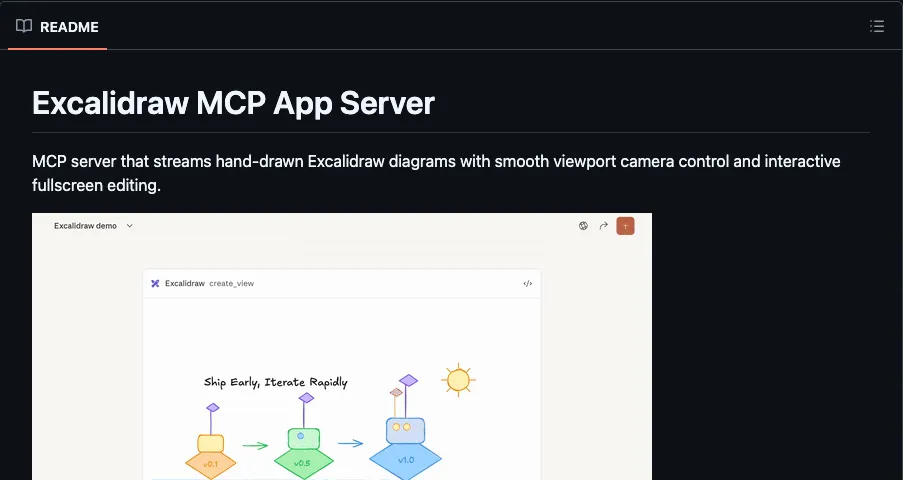
Fig. 8: The official Excalidraw MCP does the same job.

The official one exists

Why not just use the official one?

What Ayush said · teardown

“Not clearly differentiated from Excalidraw's official MCP and existing open-source Excalidraw servers.”

Teardown 14 · ExcaliClaw, diagrams your agent drawsTrust 25%50%

Fig. 9: The same canvas, drawn by both of us.

Draw with me

Draw with me, not instead of me.

What Ayush said · teardown

“Real human and AI co-creation on the same canvas, instead of the agent drawing alone”

Teardown 14 · ExcaliClaw, diagrams your agent drawsTrust 50%

What mattered

The journey

Trust, slide by slide

Three moments

  1. 04Collaborating with bots
  2. 05I just give orders
  3. 07Only a flat picture
Teardown 14 · ExcaliClaw, diagrams your agent drawsTrust 50%

C

Our grade

A trick, not a reason

Nice trick. Not yet a reason to switch.

What Ayush said · teardown

“Without a clear ICP, a real human plus AI collaboration model, or vector export, it's hard to see why someone would pick it over the official Excalidraw MCP.”